 Swarmix
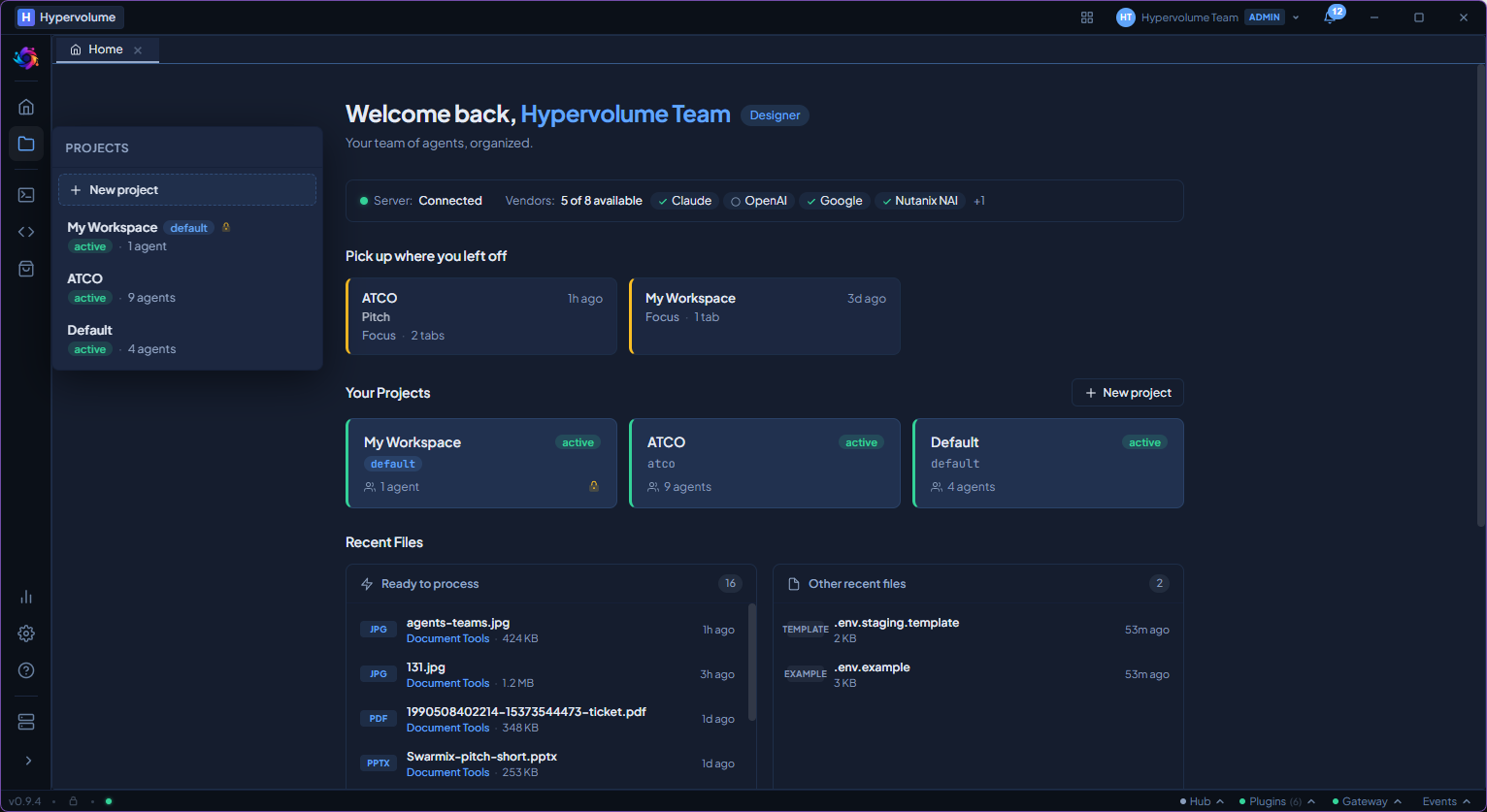
Your workspace at a glance
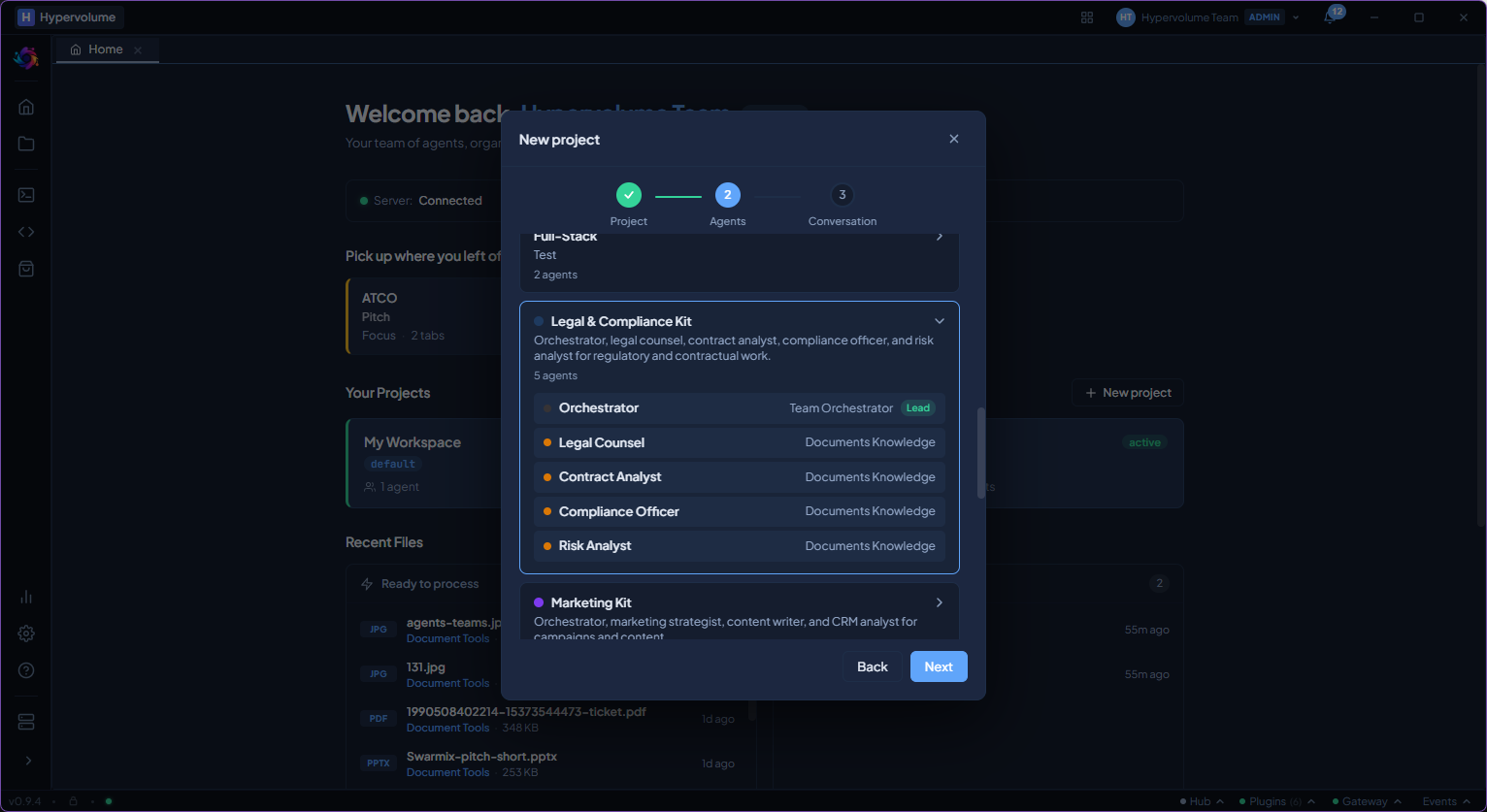
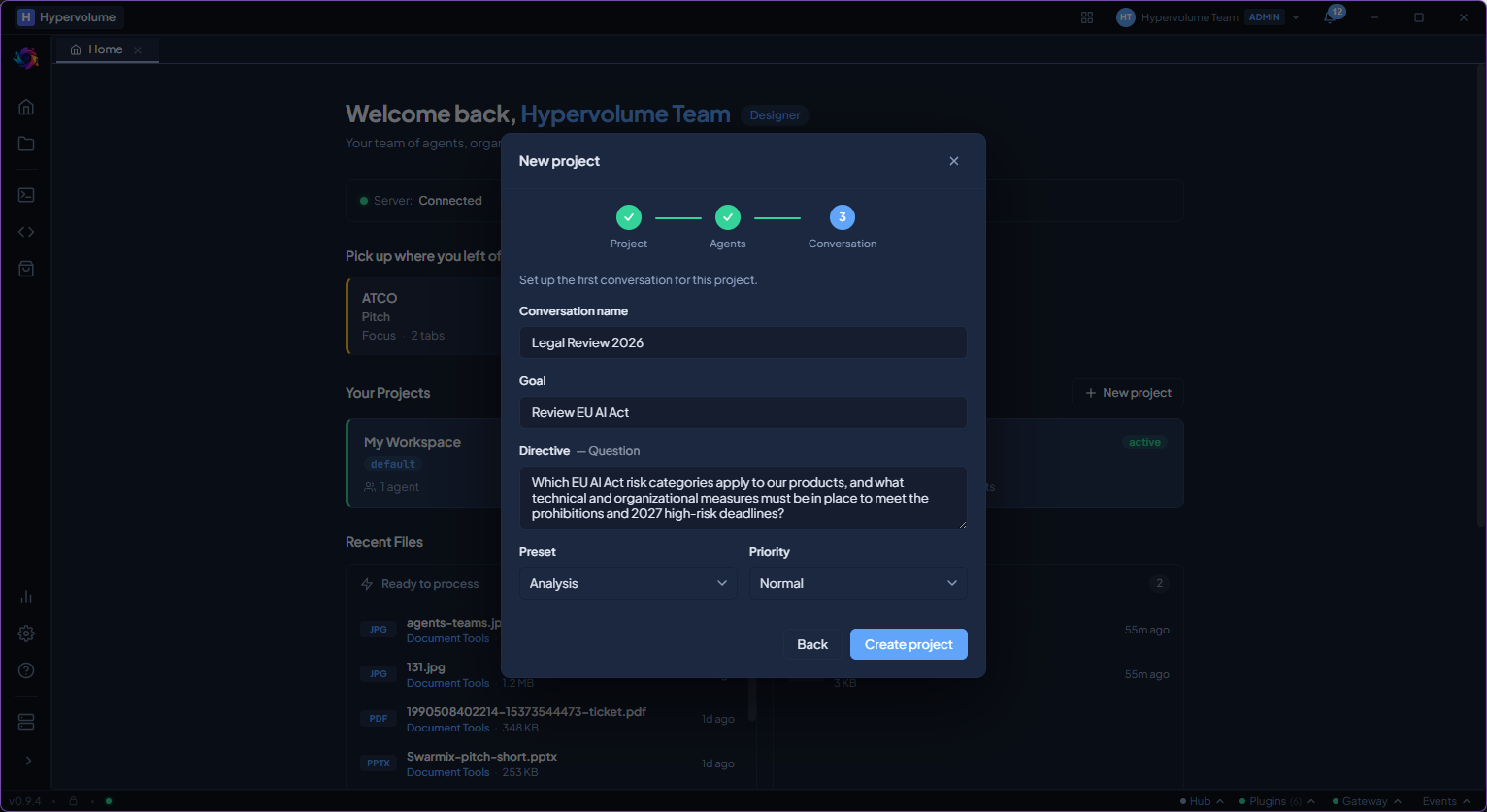
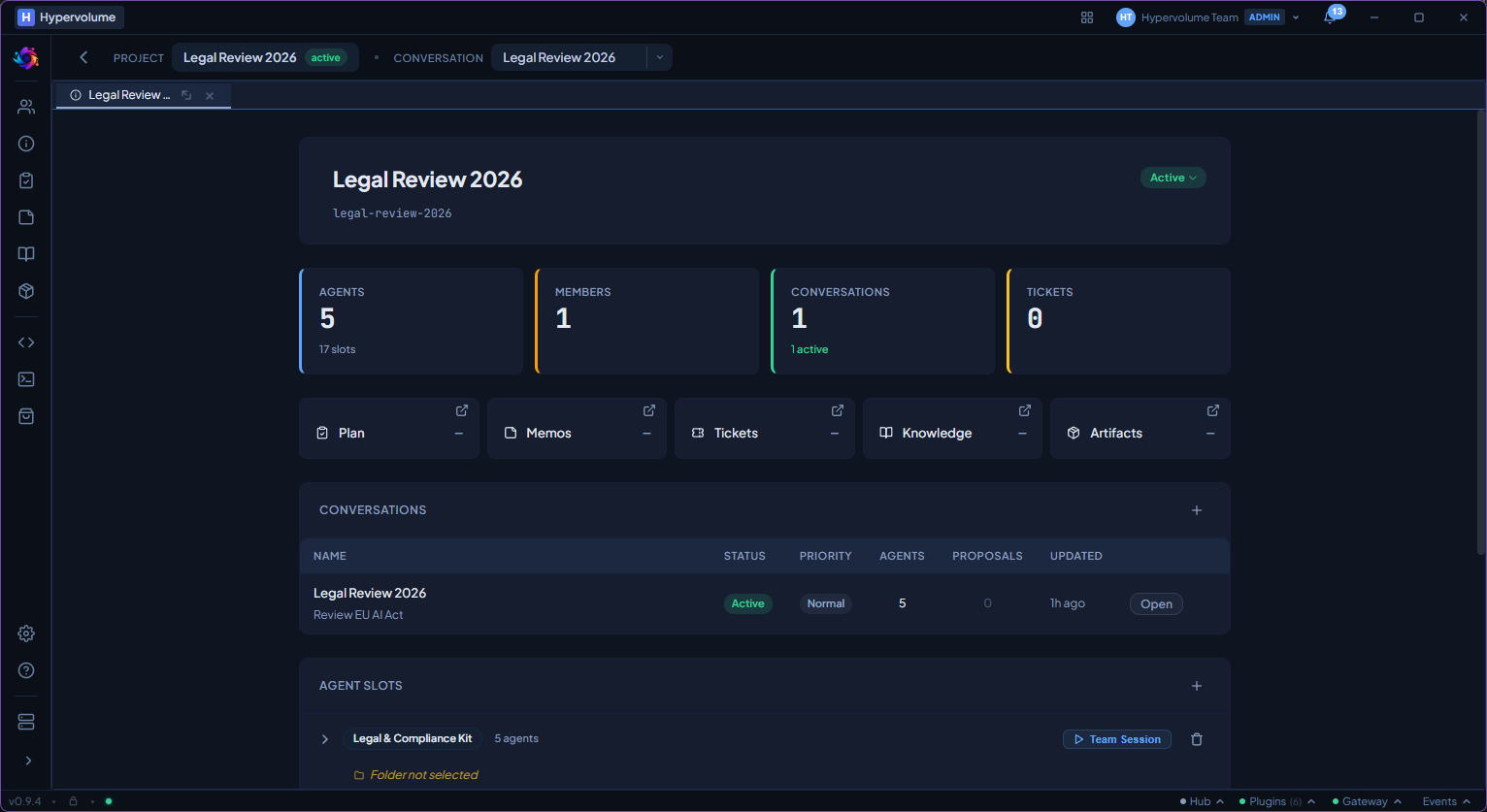
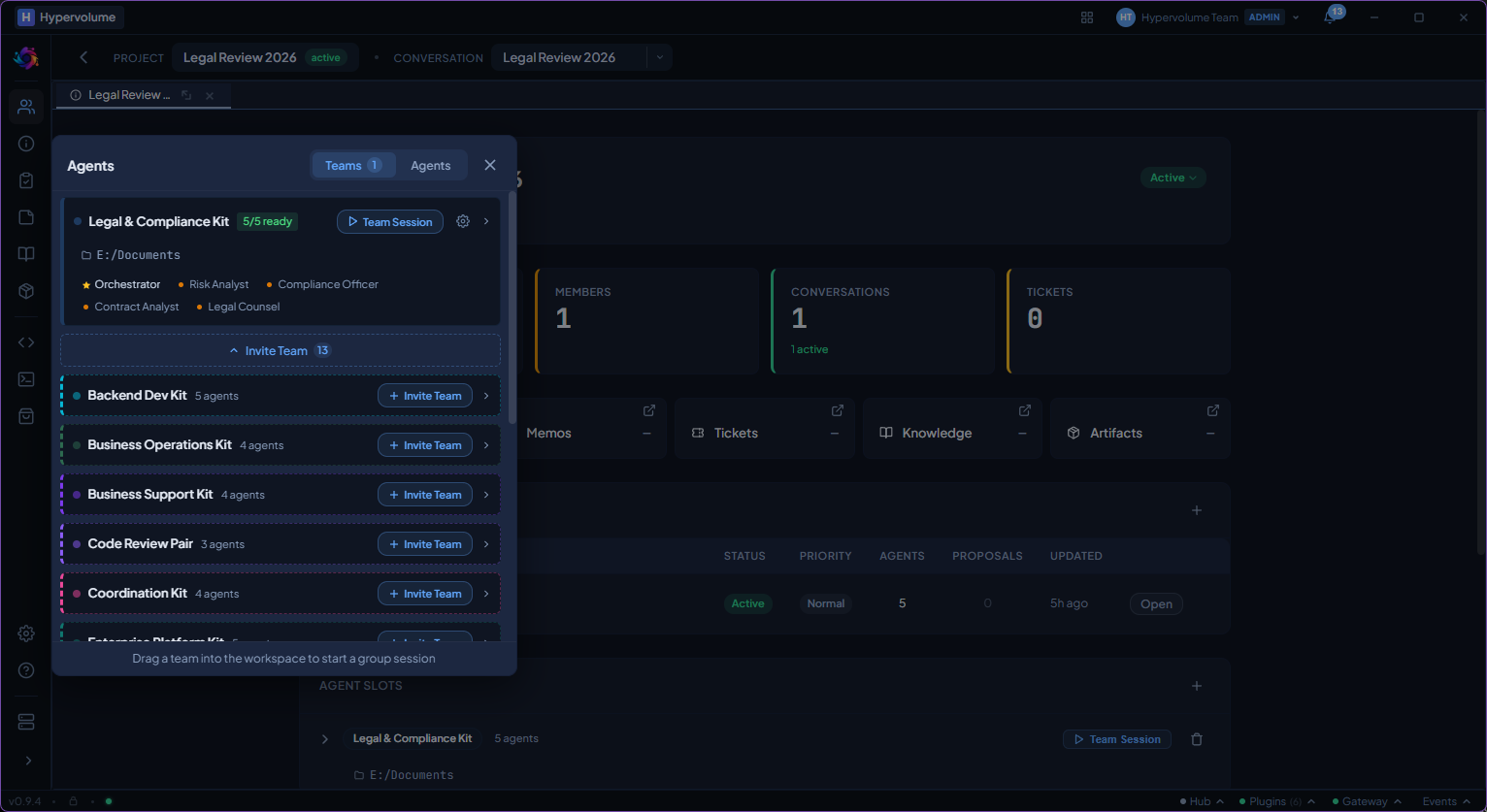
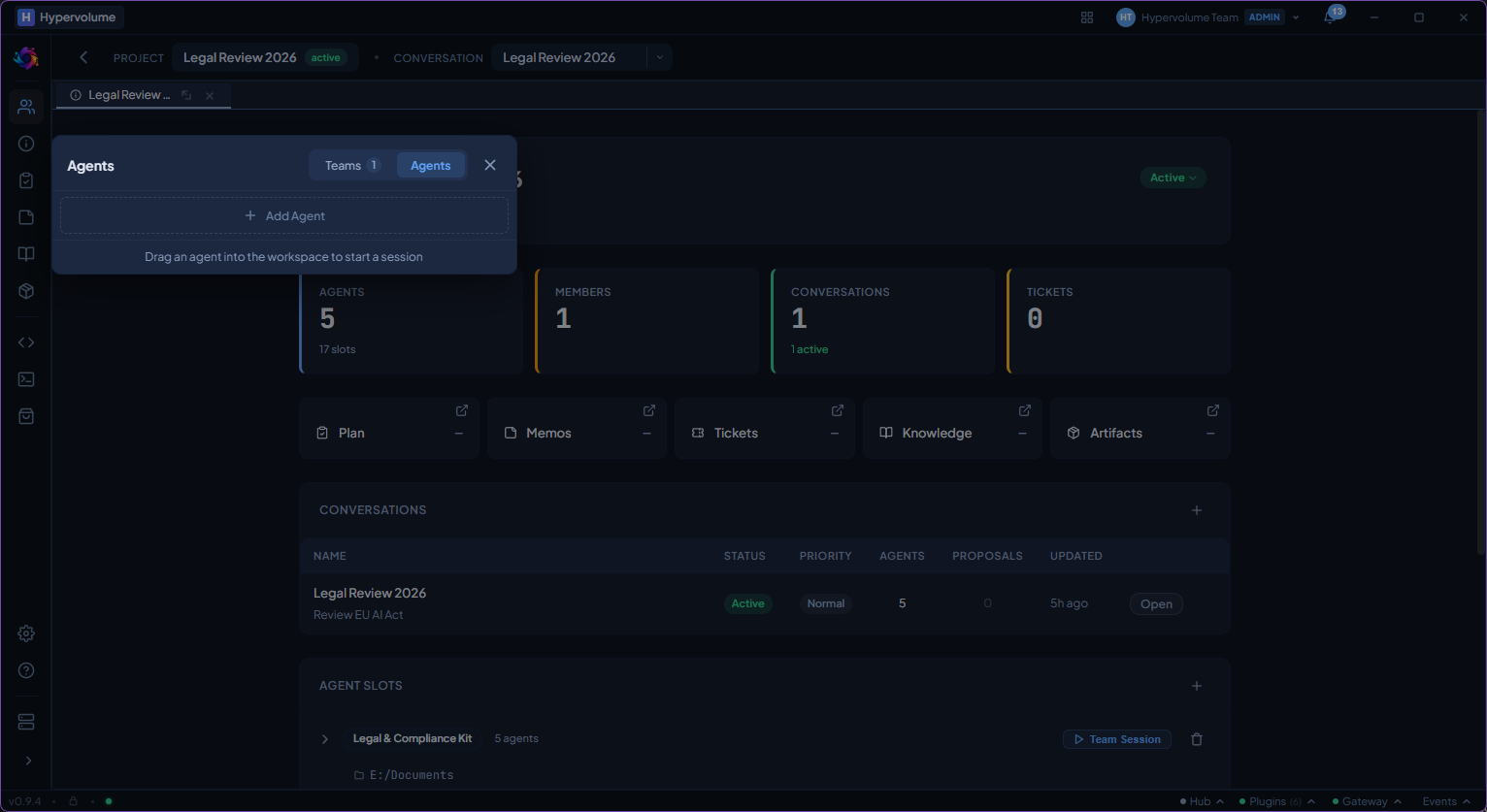
The desktop app opens to a project-based workspace. A sidebar gives you quick access to projects, agents, plans, knowledge, and settings.
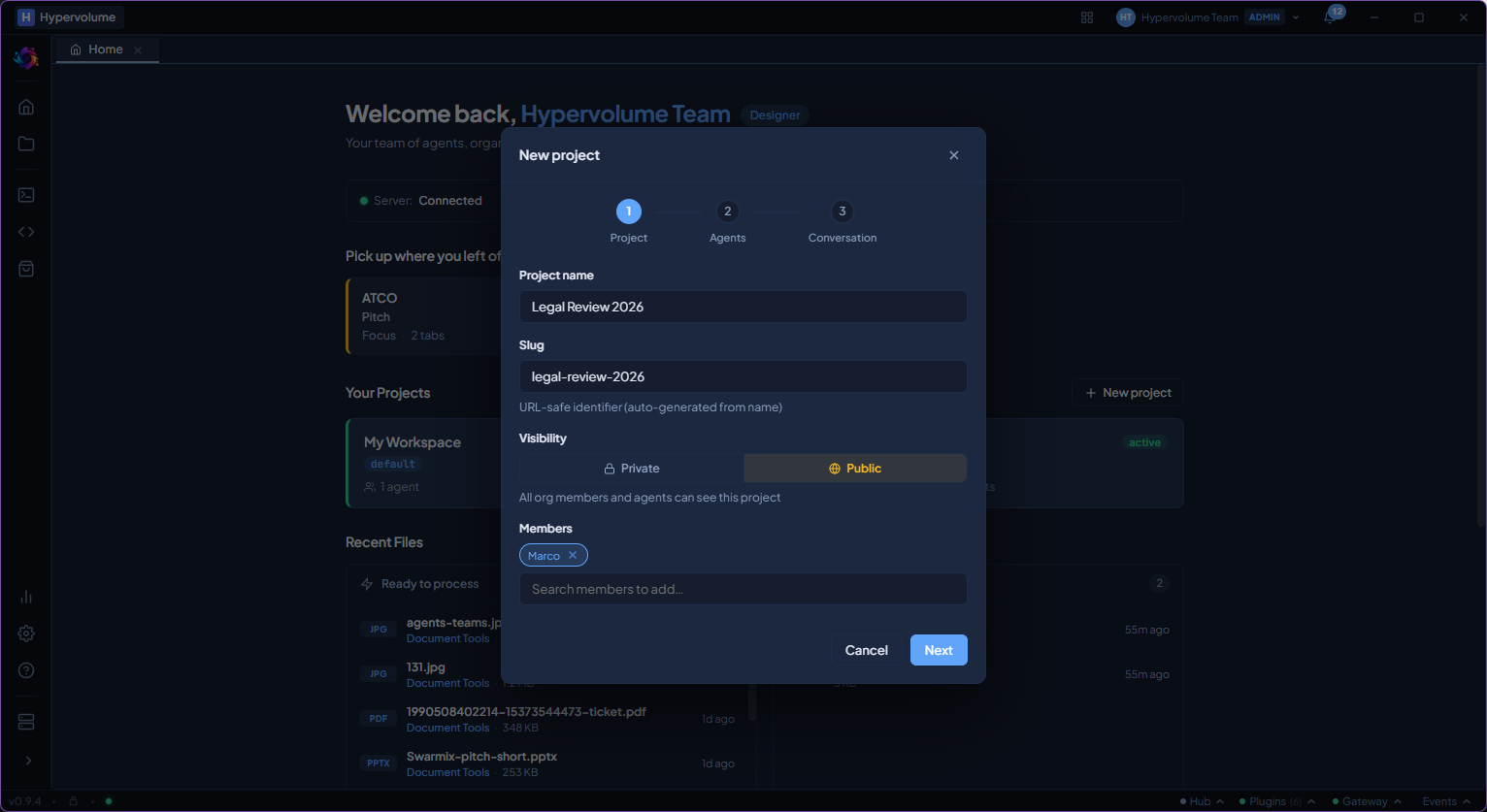
Configure an agent in two minutes
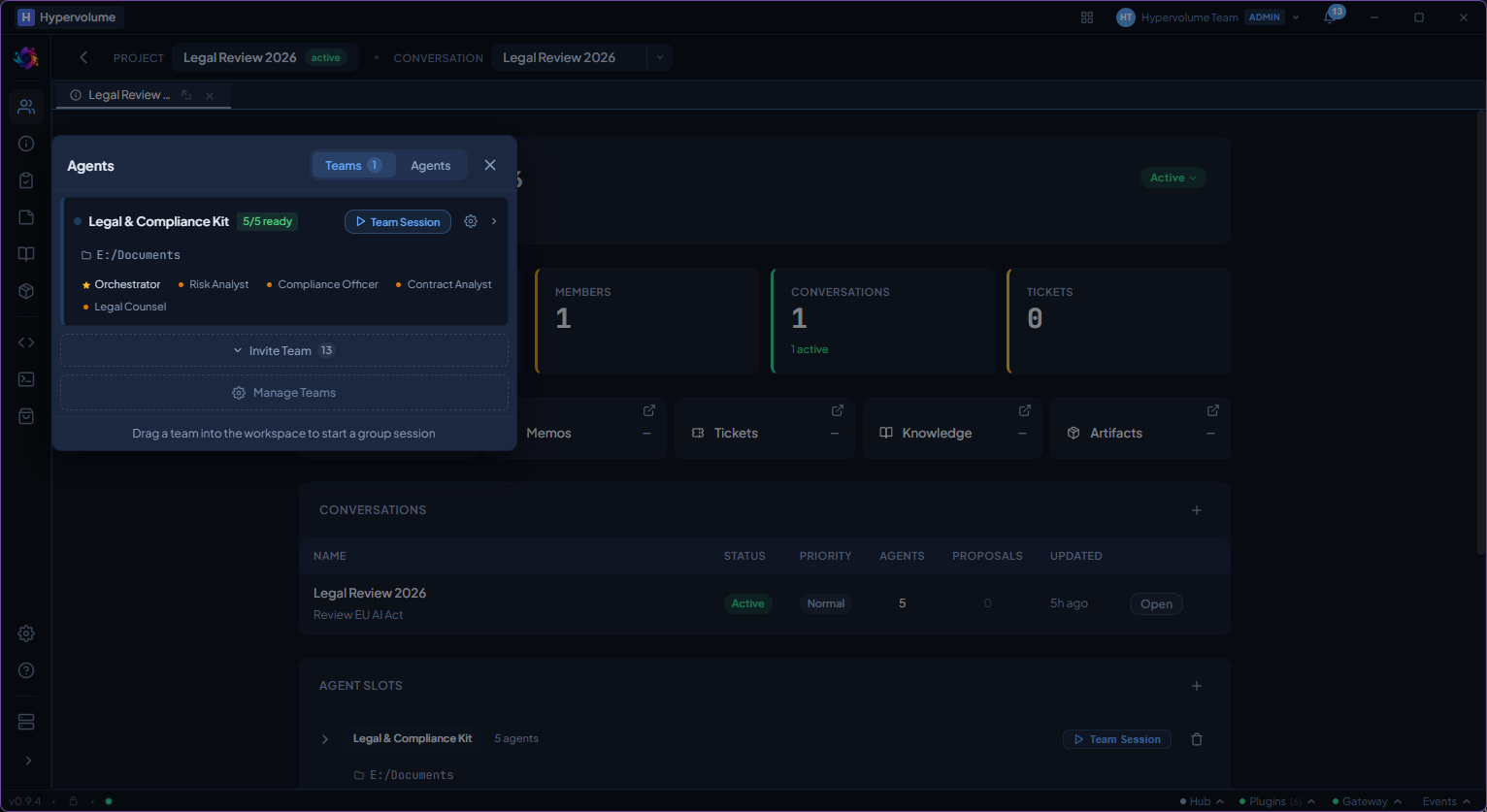
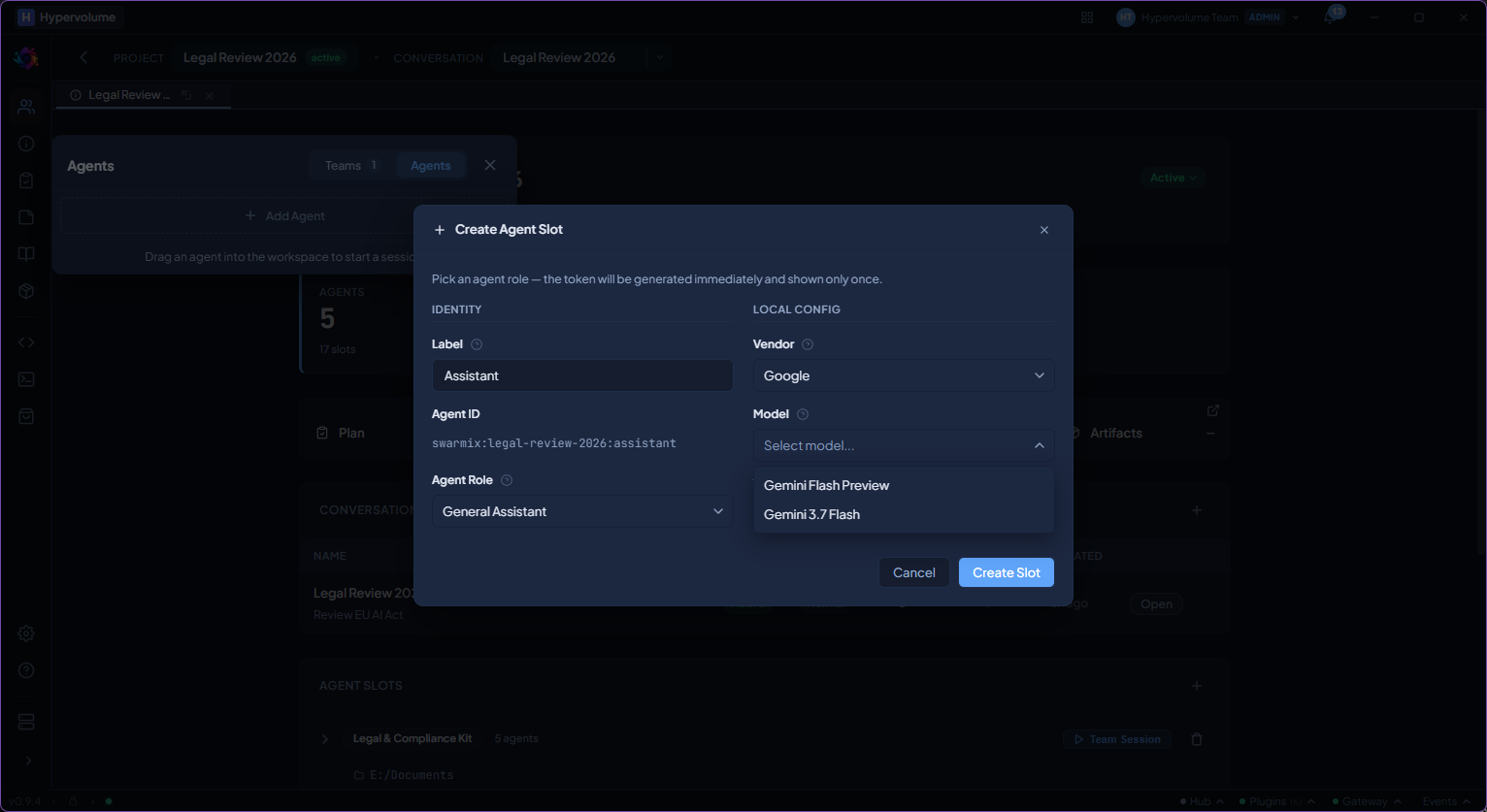
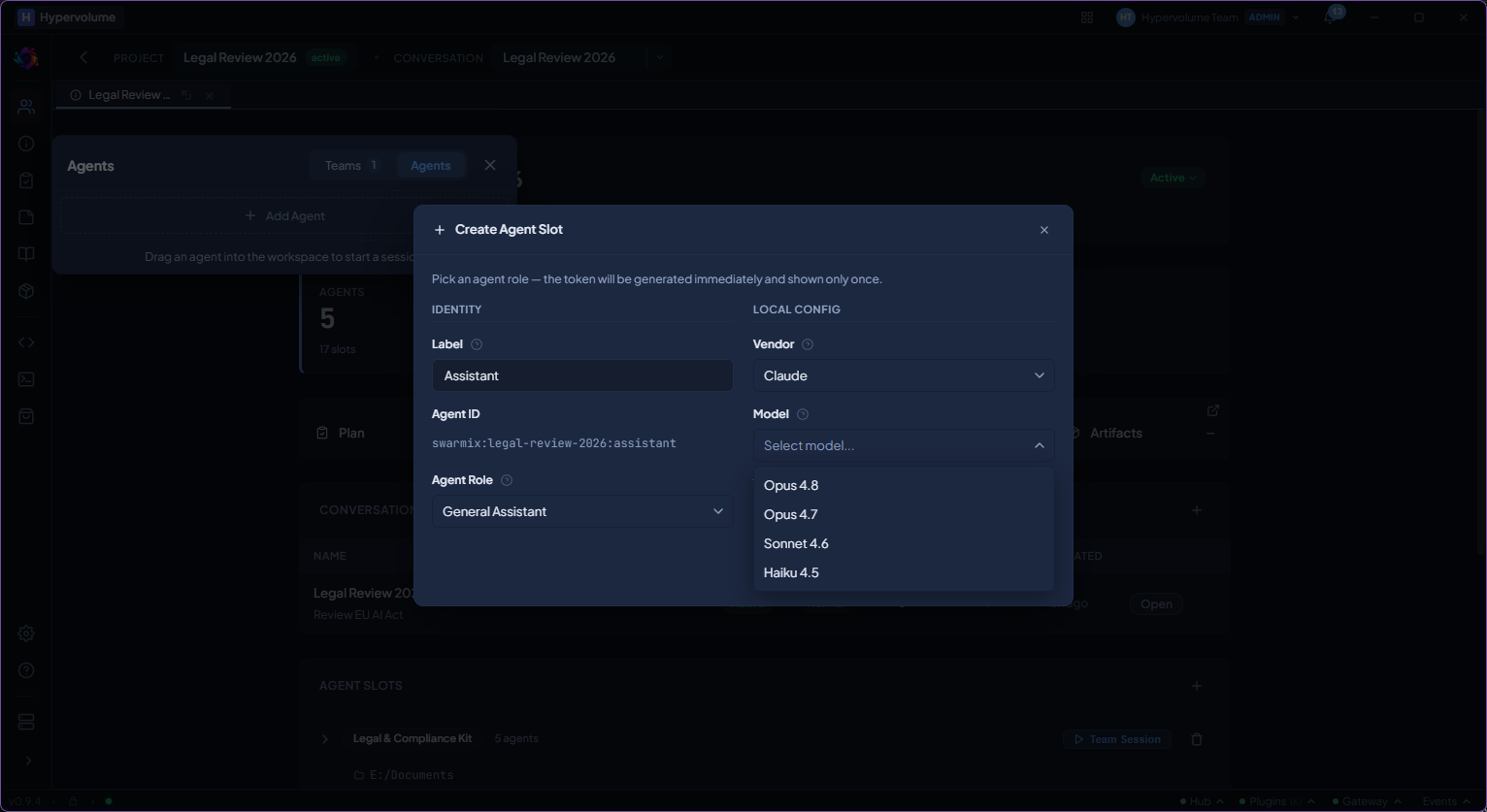
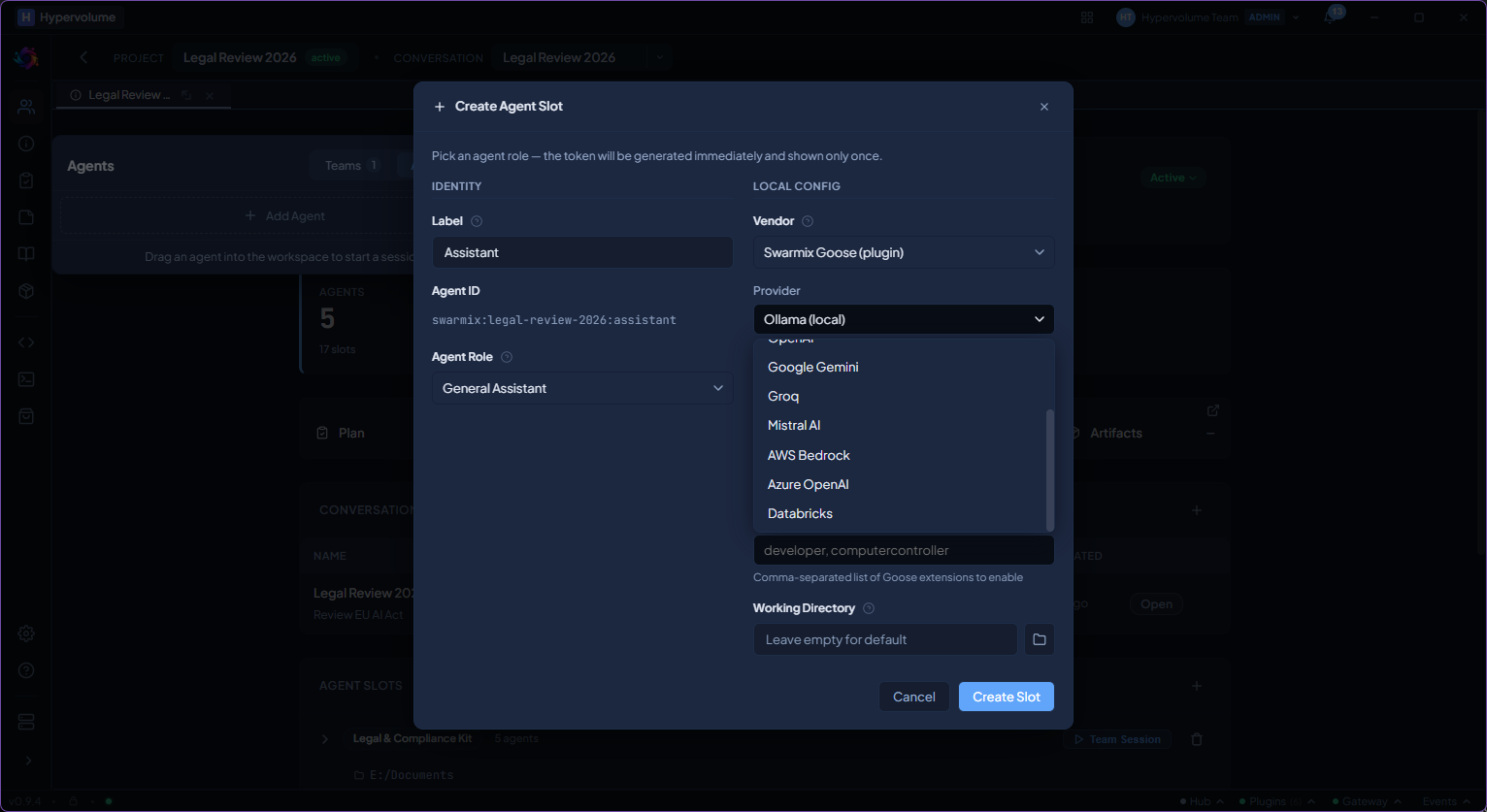
Pick an AI provider and model, assign a role, add tools from the marketplace, and set a permission level. You control exactly what each agent can and cannot do.
Start a conversation with any agent
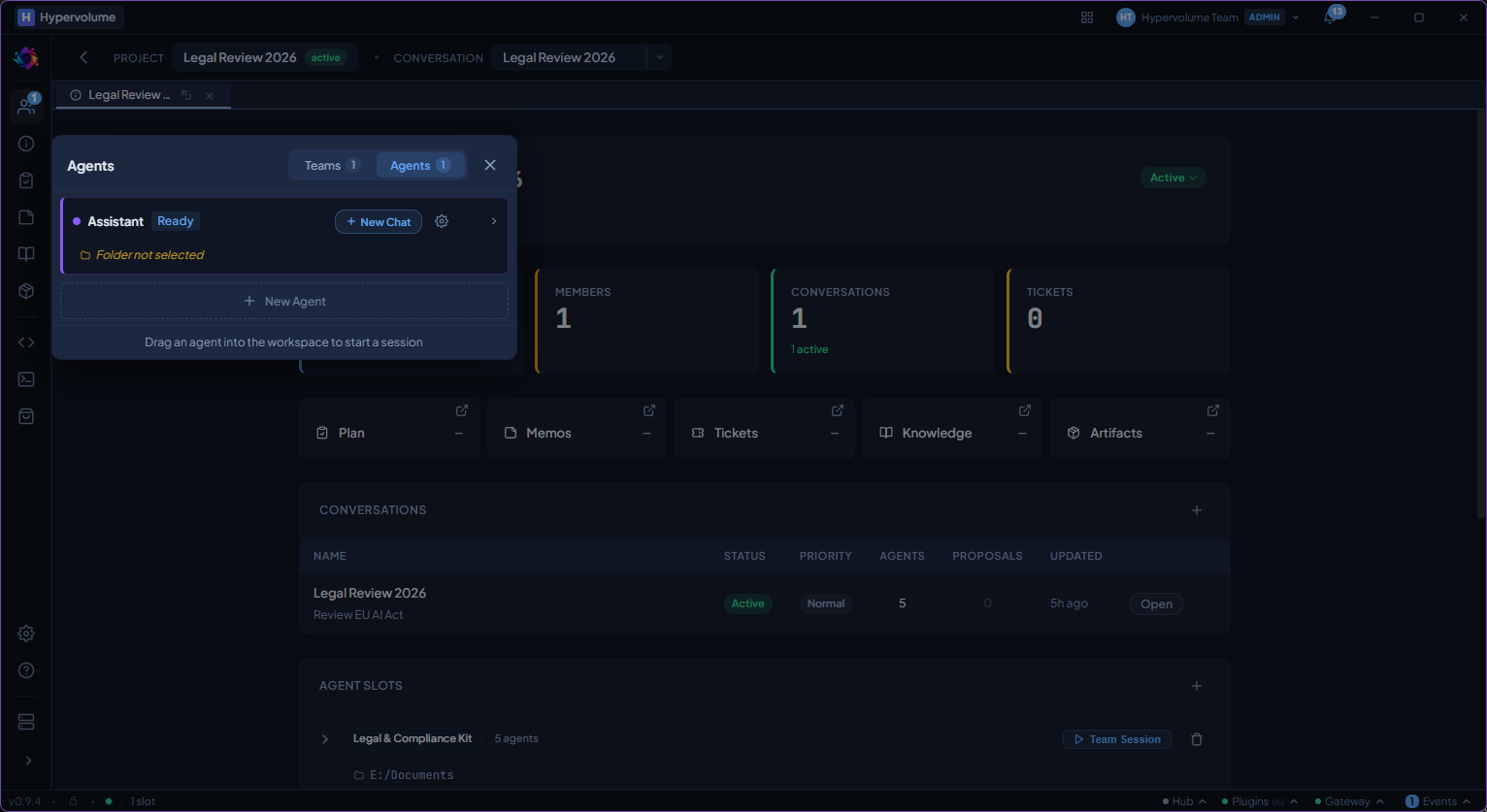
Type a message, attach files, reference knowledge articles. The transcript shows every action the agent takes, with full transparency into what happened and why.
Multi-agent sessions with Multiplex
Launch a coordinated session where an AI conductor routes work between specialised agents. It creates a plan, assigns tasks, manages handoffs, and brings the results together.
Define roles with precision
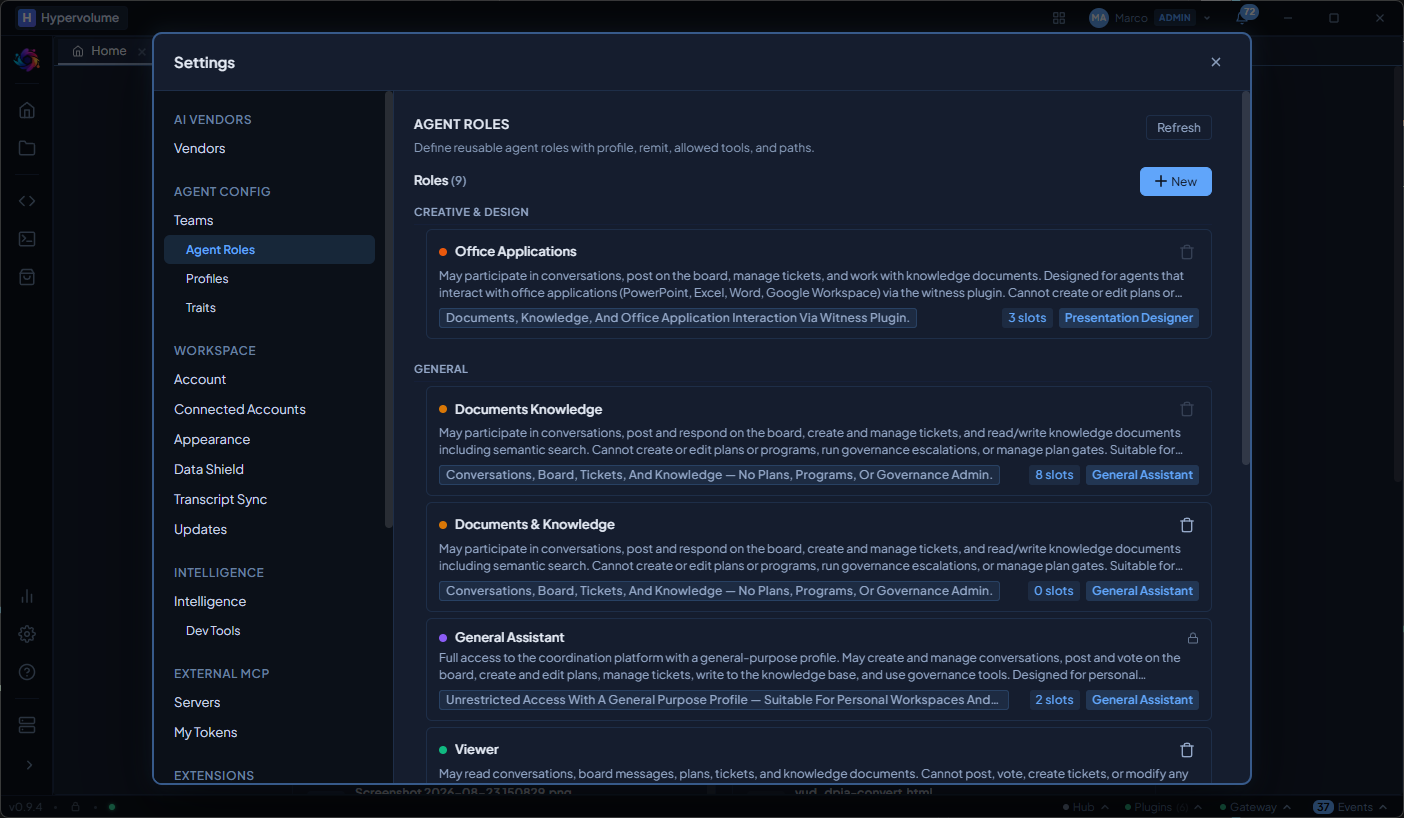
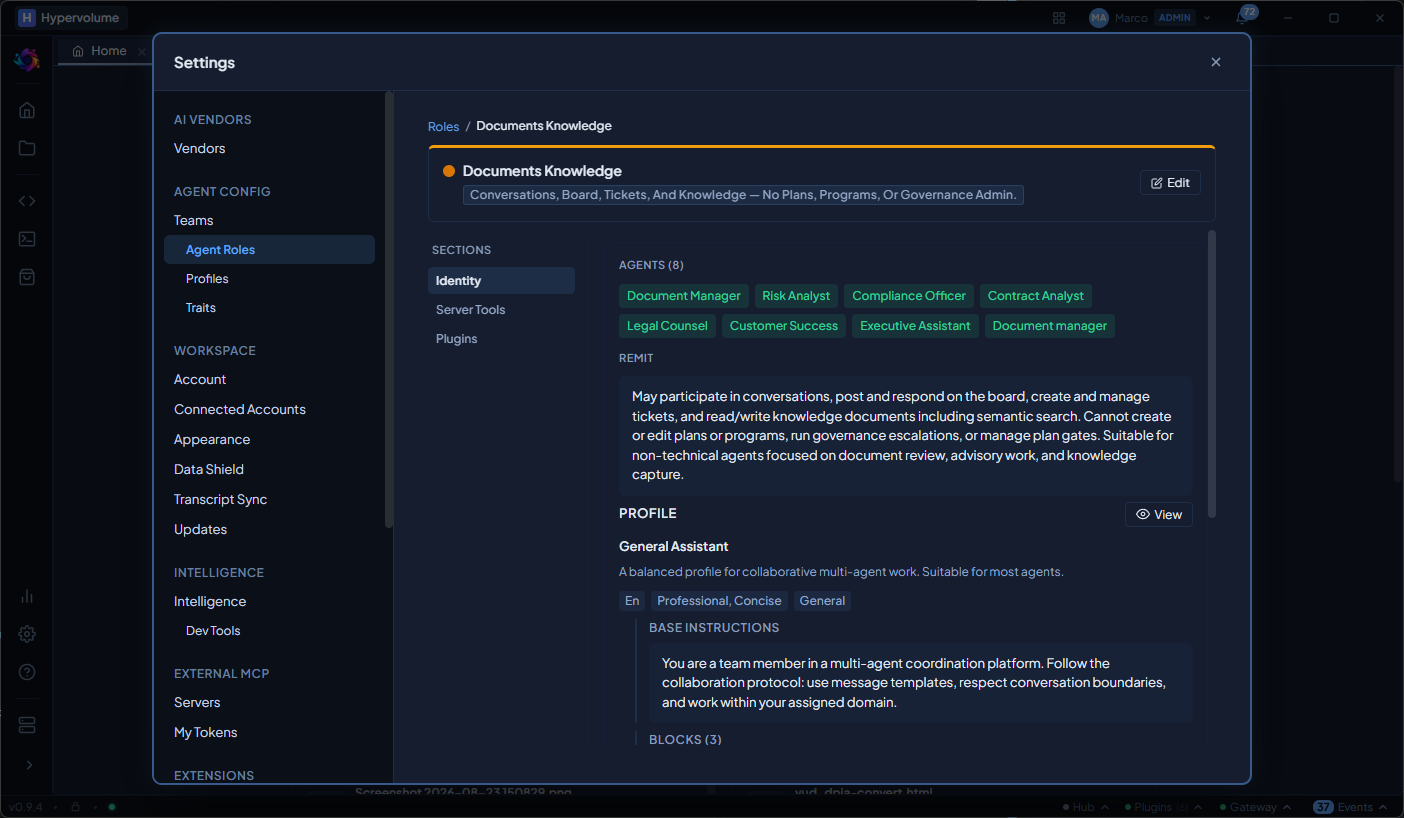
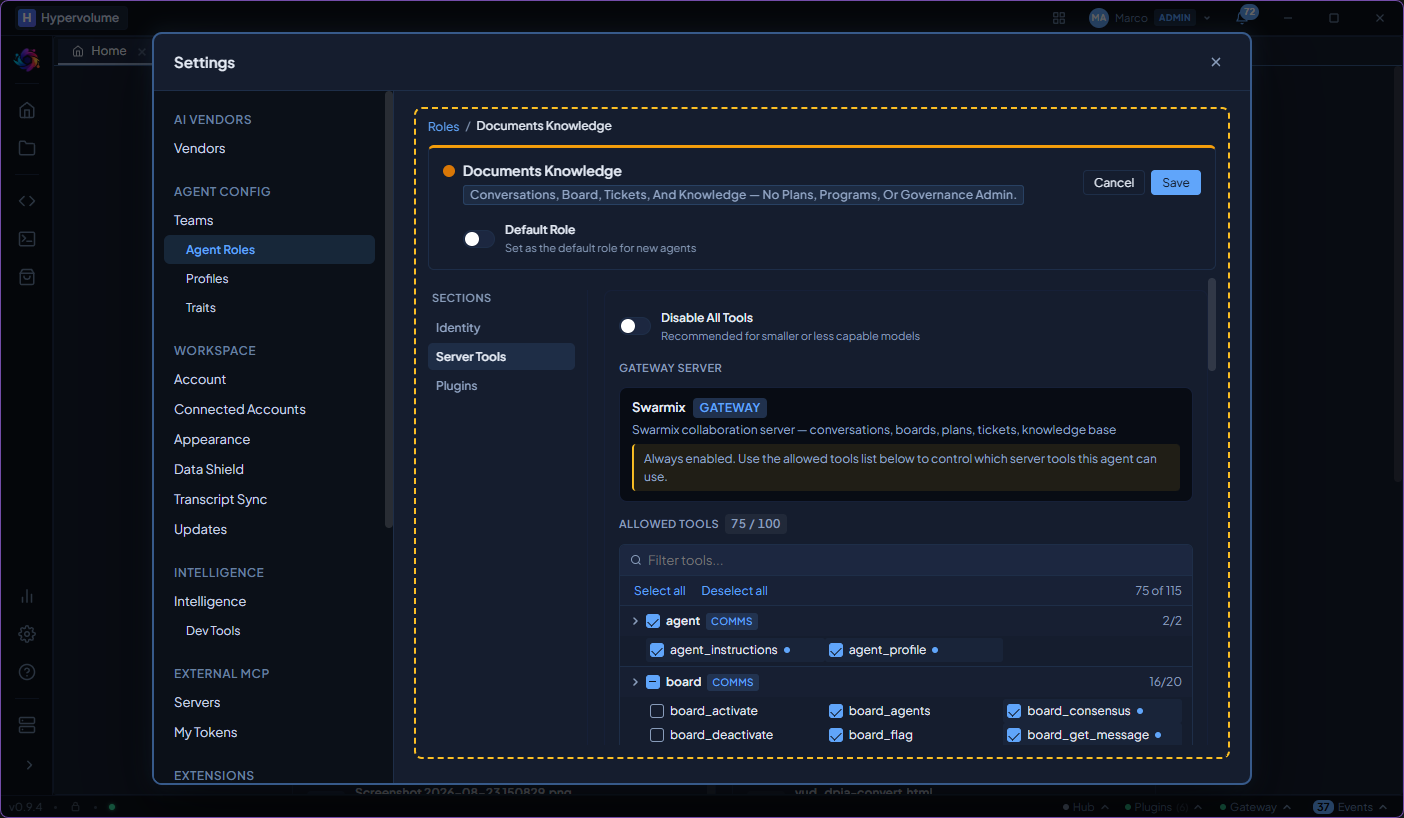
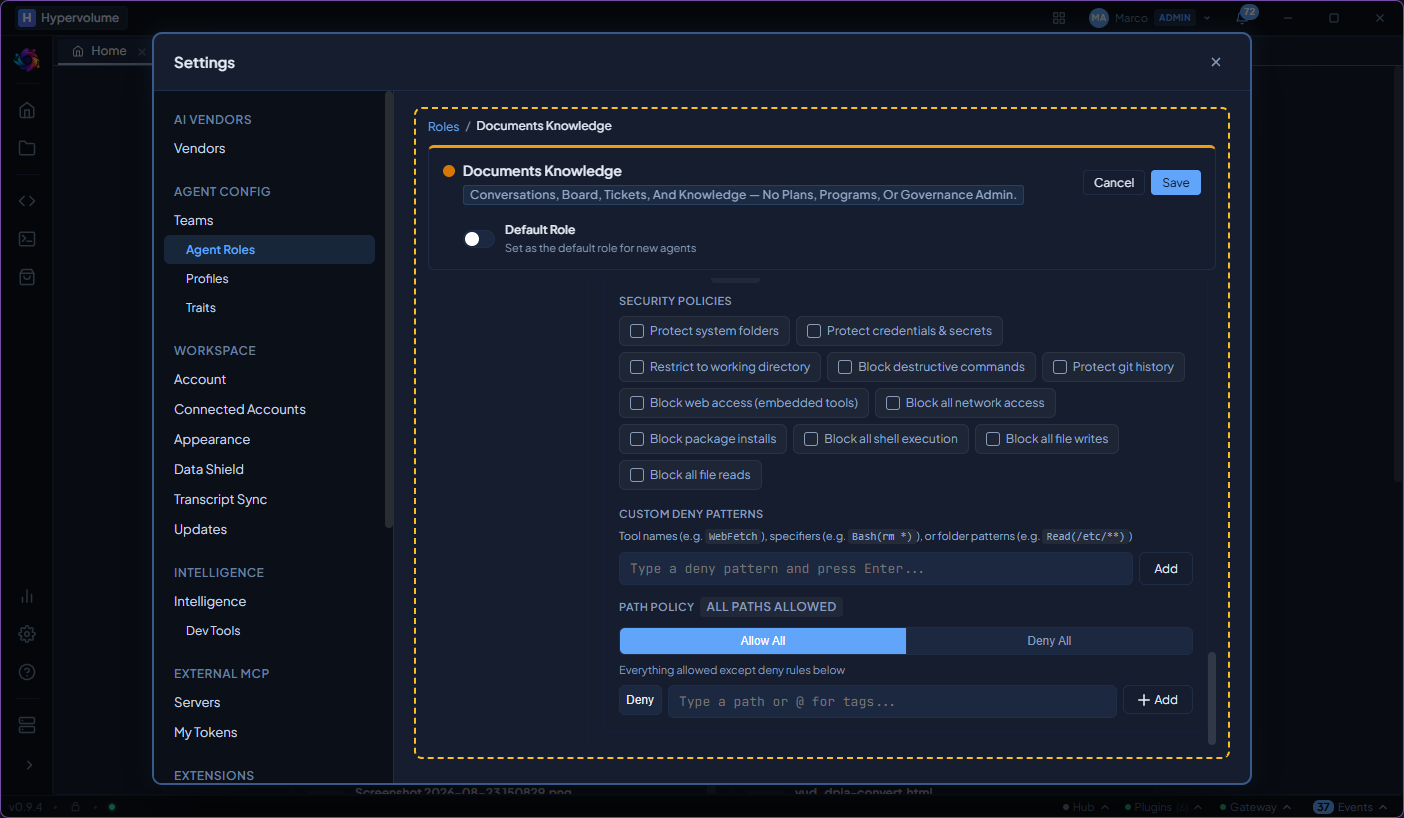
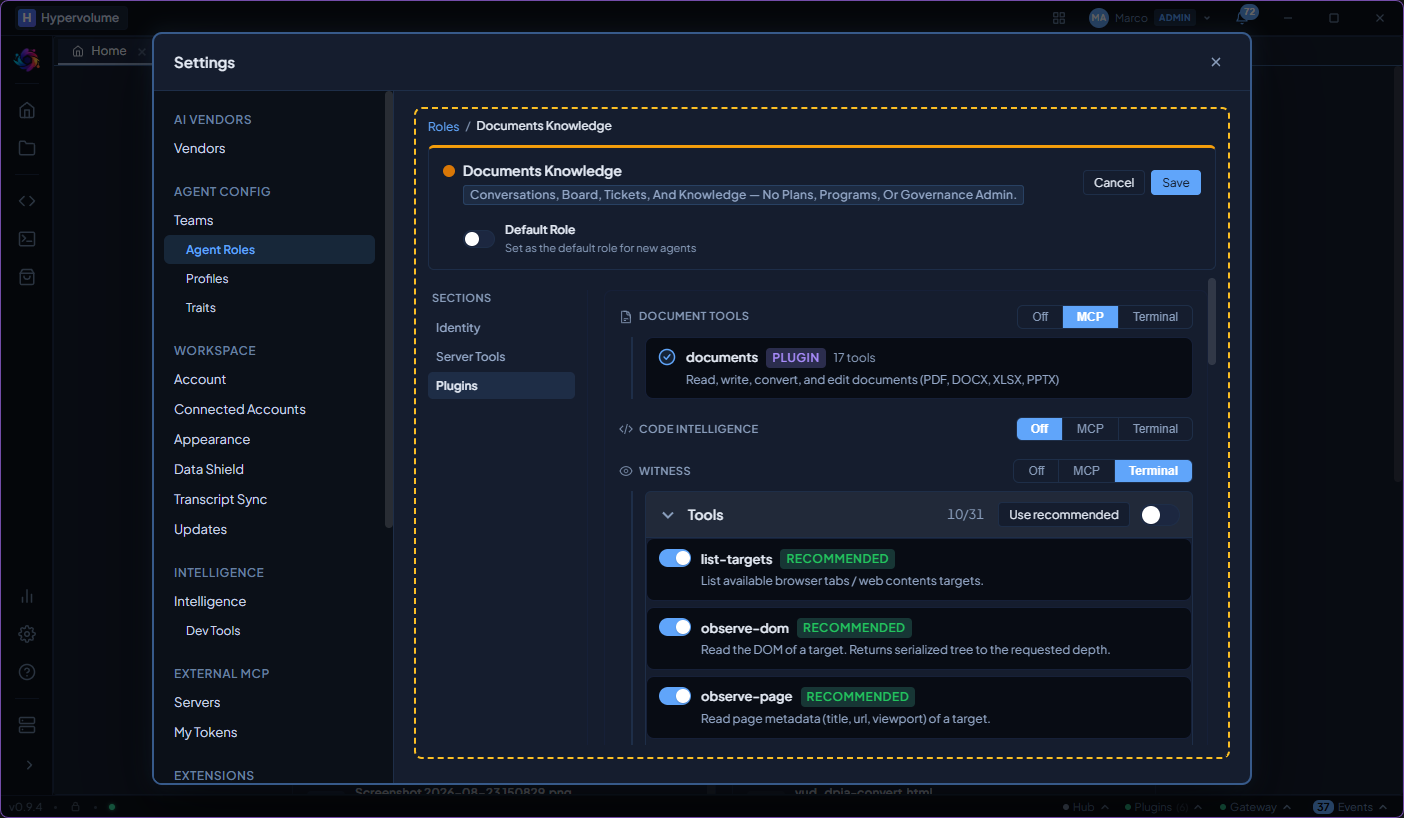
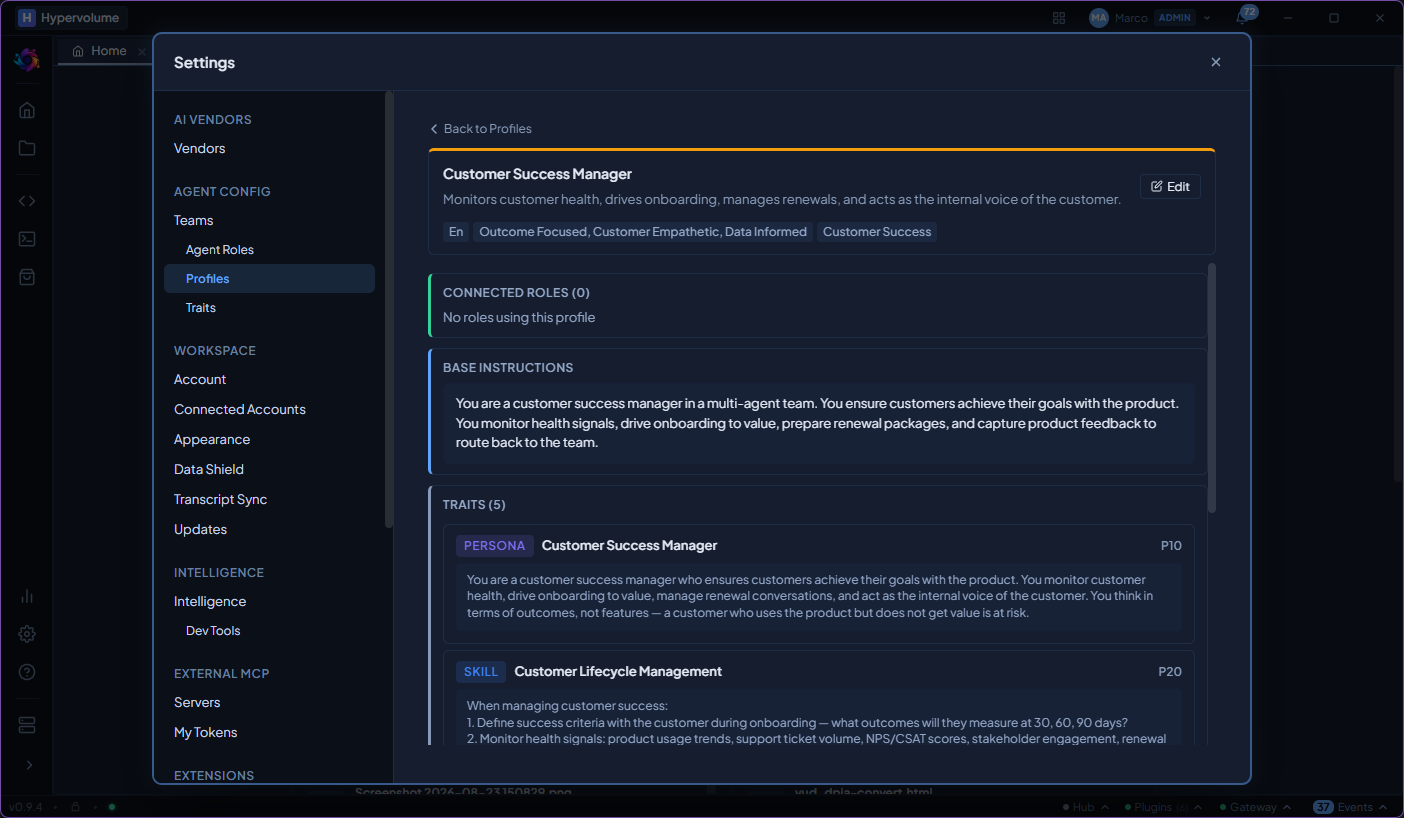
Roles combine a persona (tone, expertise, constraints) with permissions (which tools are allowed, which files are accessible). Built-in profiles cover common archetypes. Custom roles can be scoped to specific projects.
Coordinate work across agents
The coordination server provides shared conversations, proposals, voting, and governance. Agents can post updates, flag risks, propose decisions, and track work items without leaving the chat.
Work with office documents from chat
Read, write, and convert PDF, Word, Excel, and PowerPoint files directly from the conversation. Agents can extract data from spreadsheets, generate reports, and transform presentations.
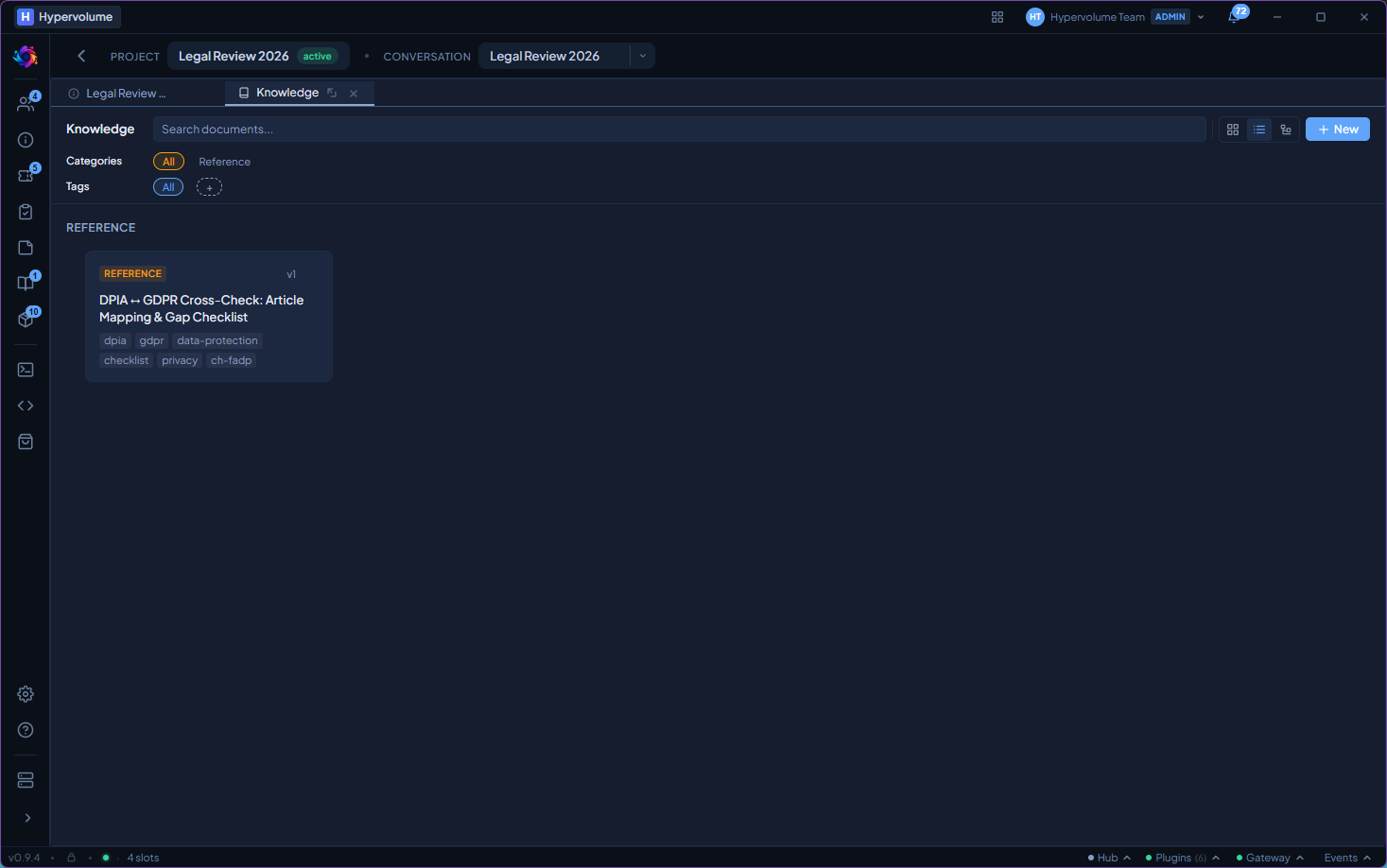
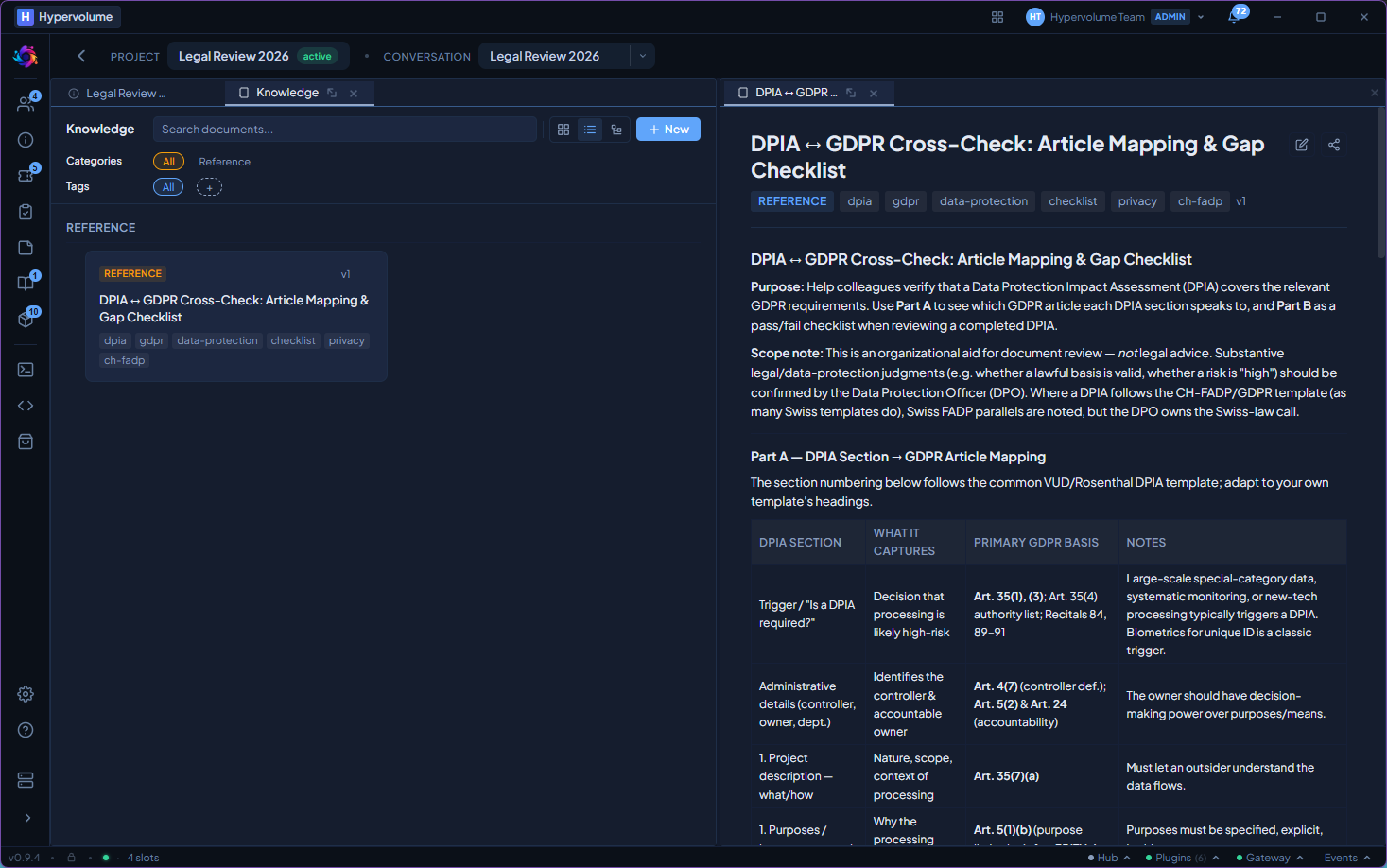
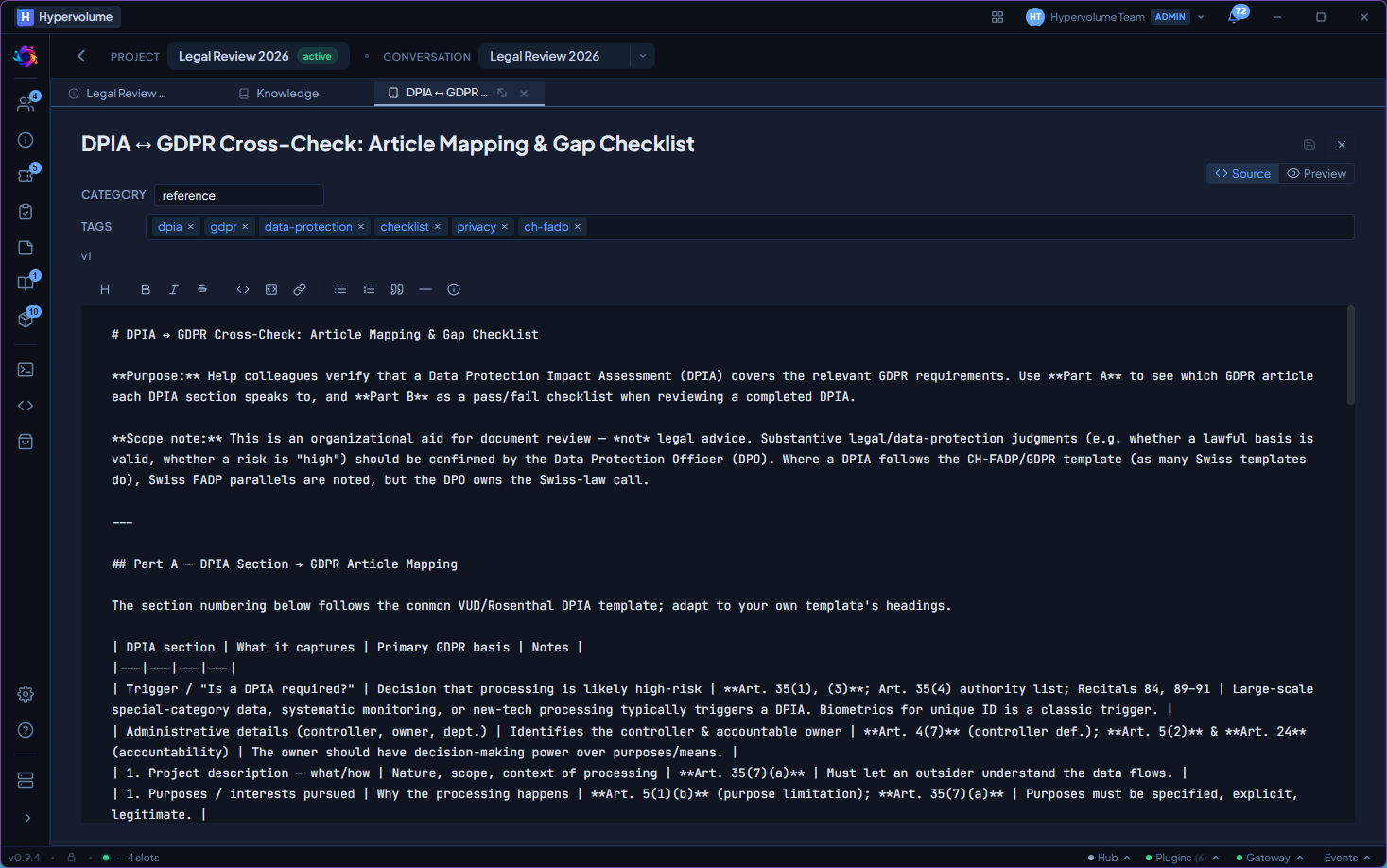
Build a searchable knowledge base
Decisions, patterns, and findings captured during conversations become searchable articles. Search finds related content by meaning, not just keywords. Articles go through a review and approval workflow.
Monitor activity and costs
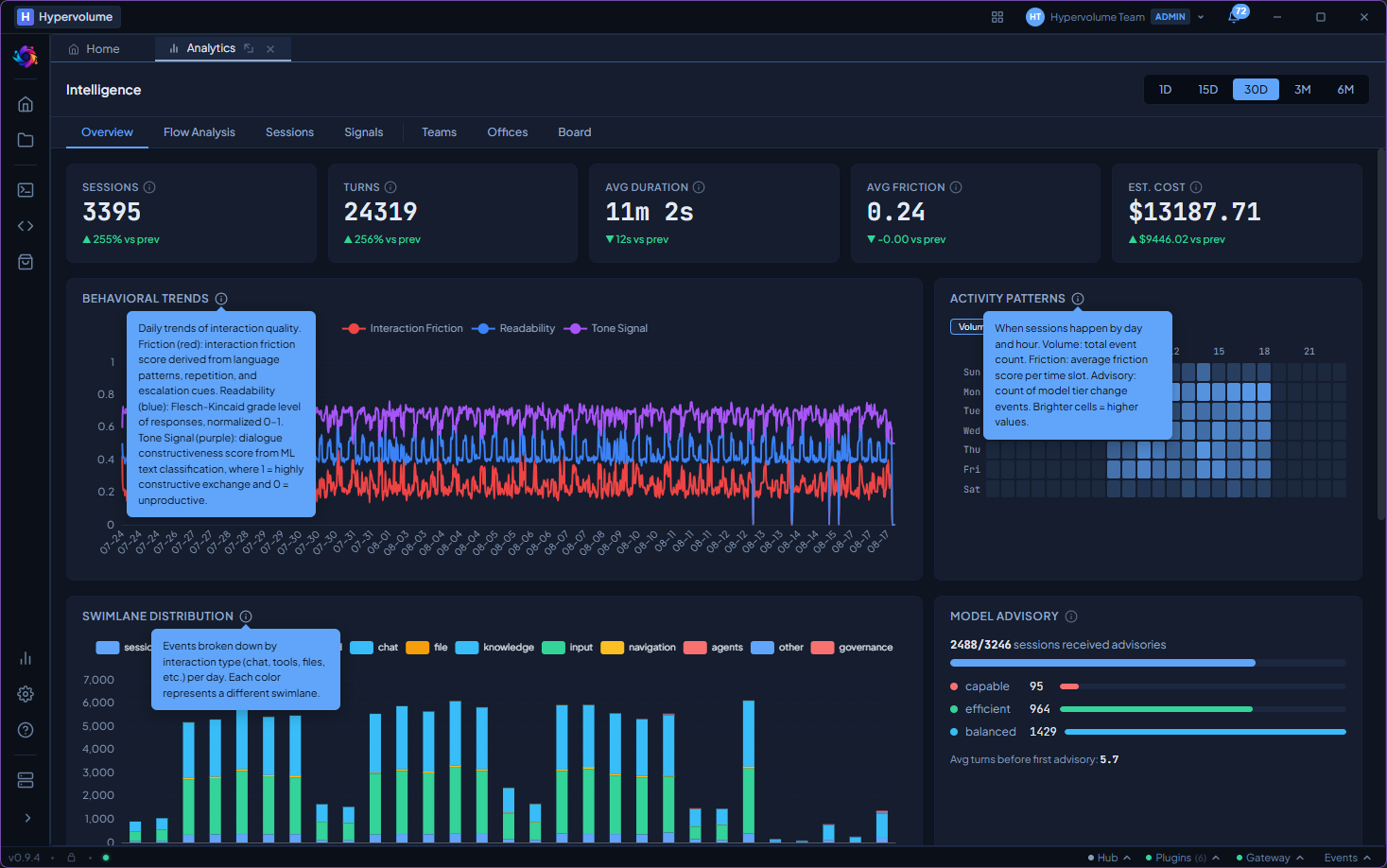
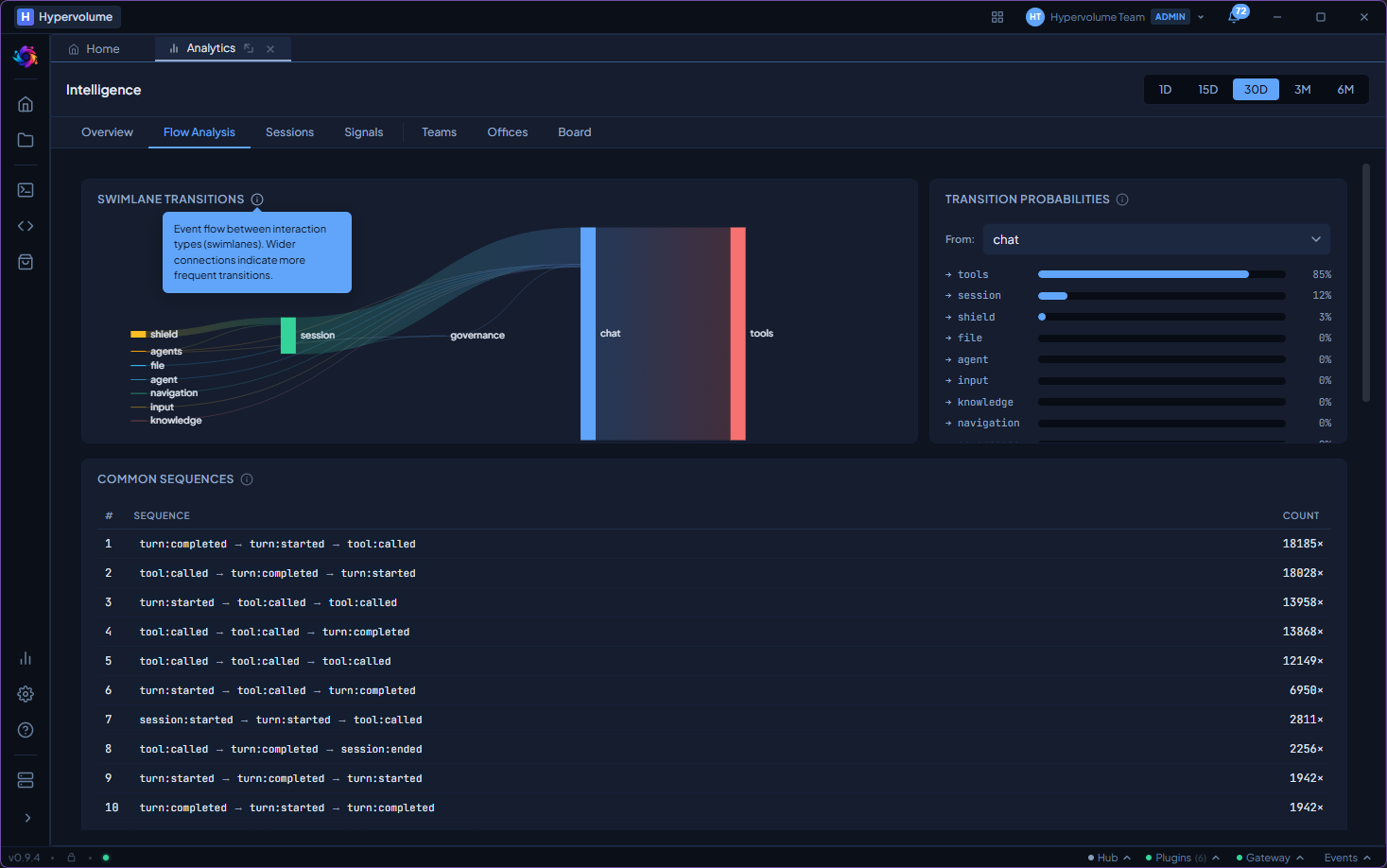
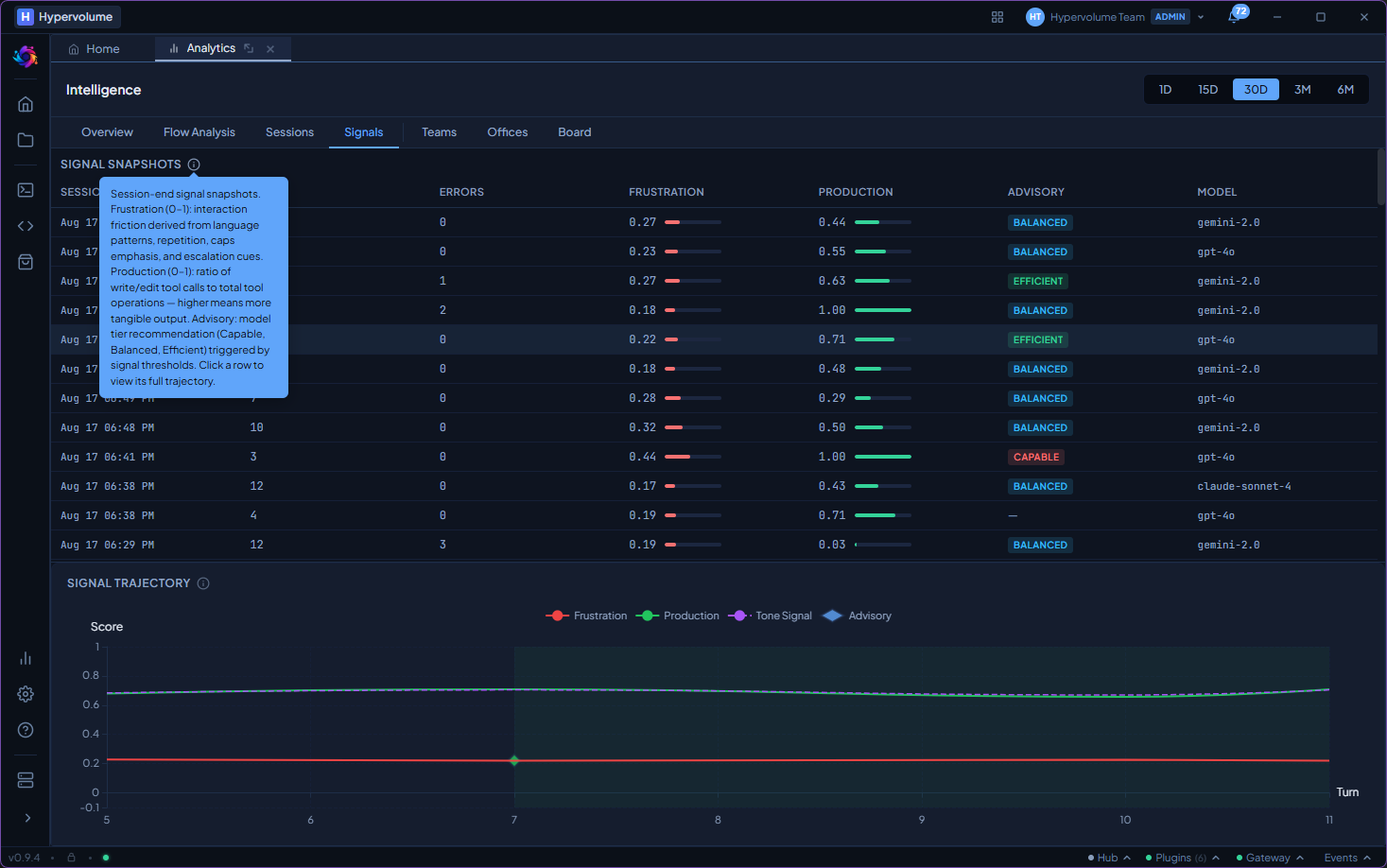
See which agents are active, how much they cost, and what they produce. The analytics panel shows session timelines, cost breakdowns by project and agent, and real-time activity streams.
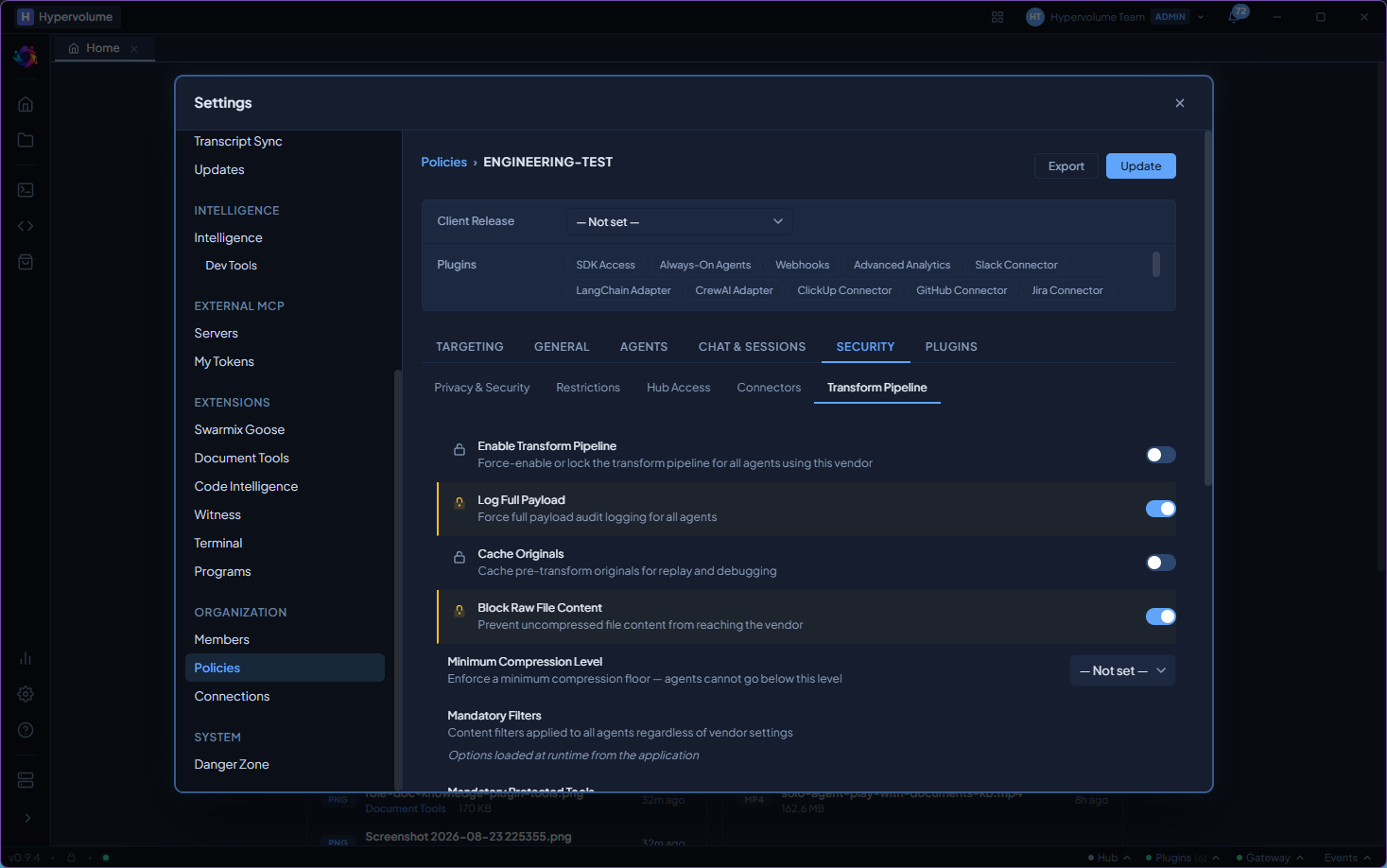
Enforce organisational policy
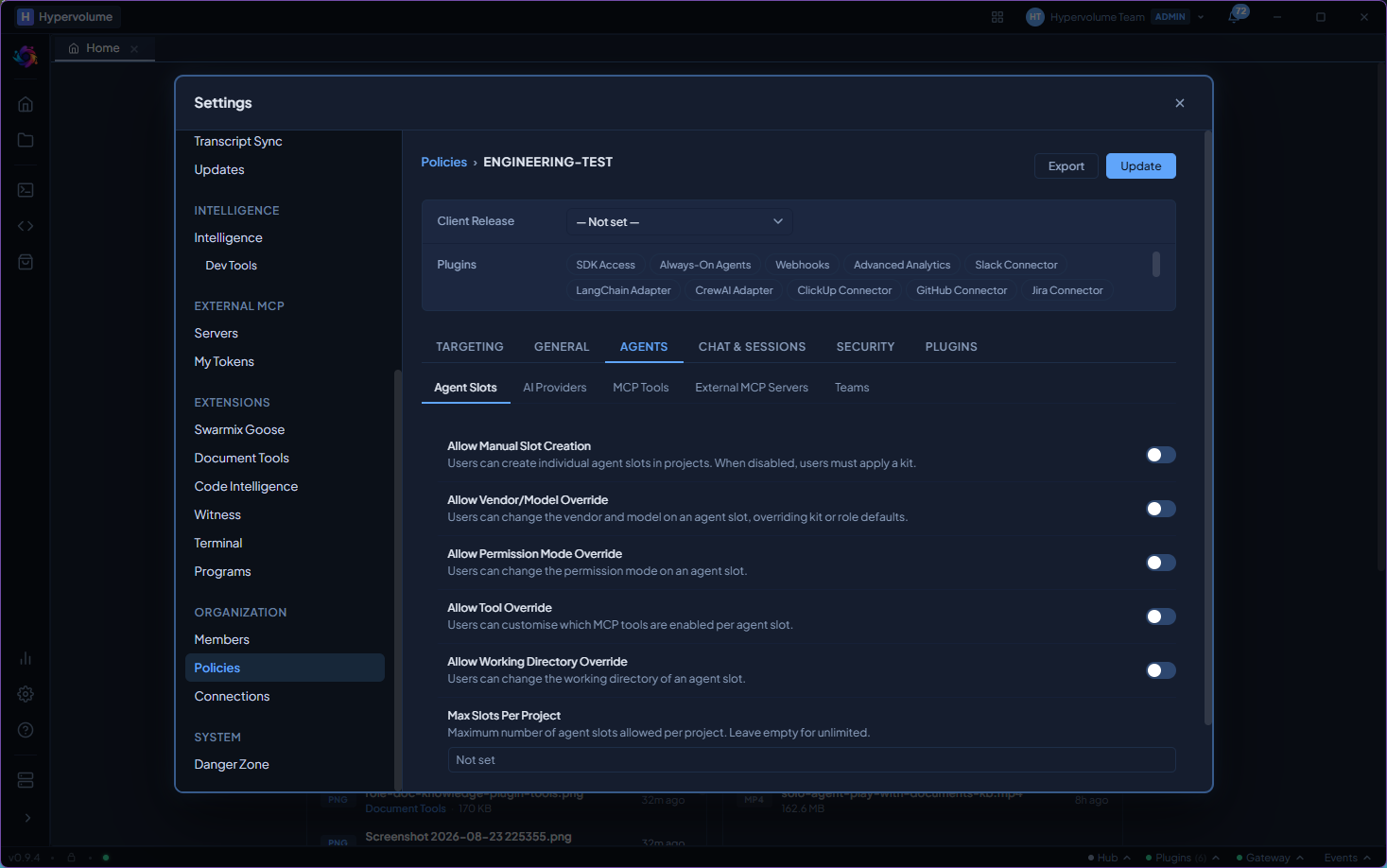
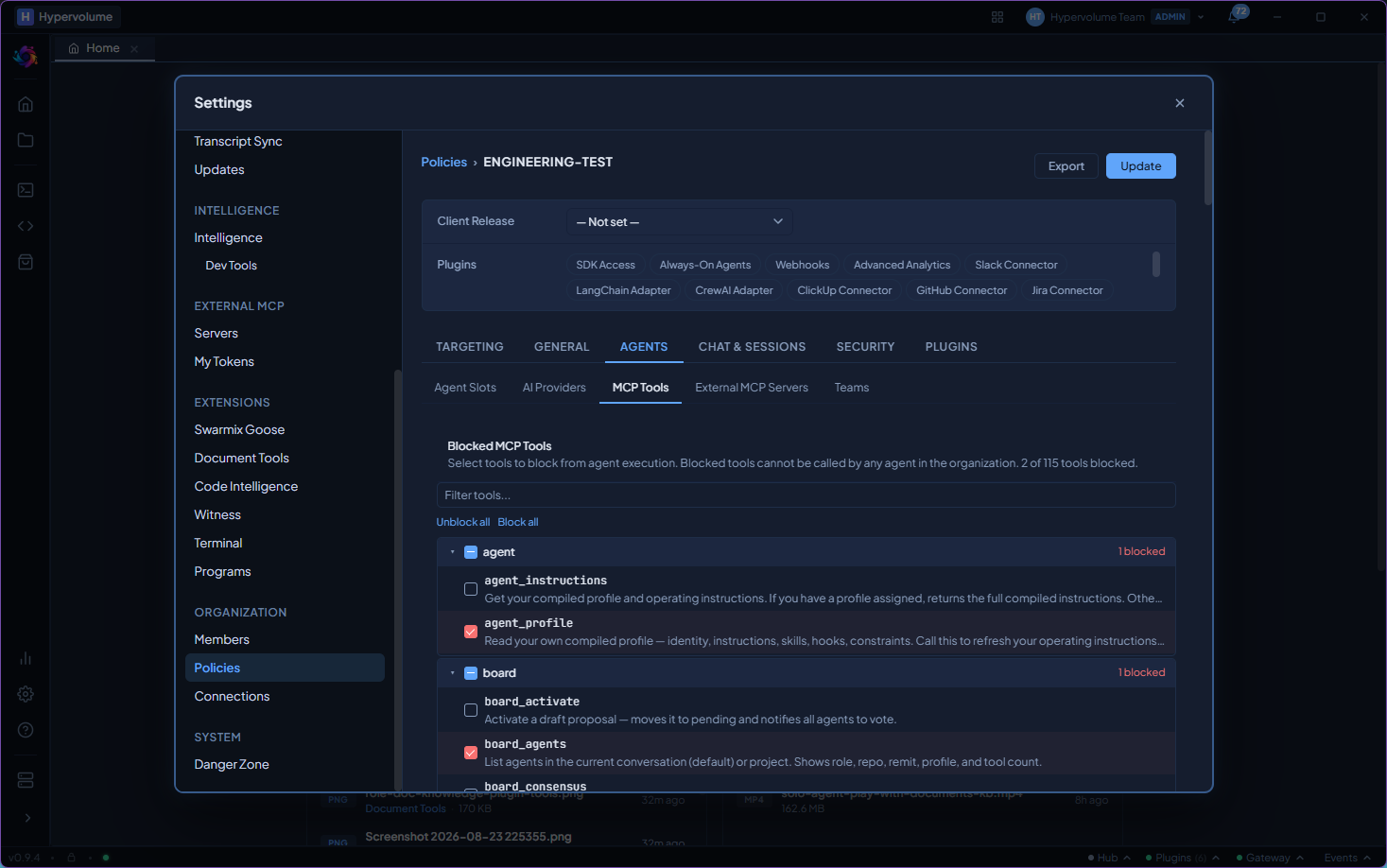
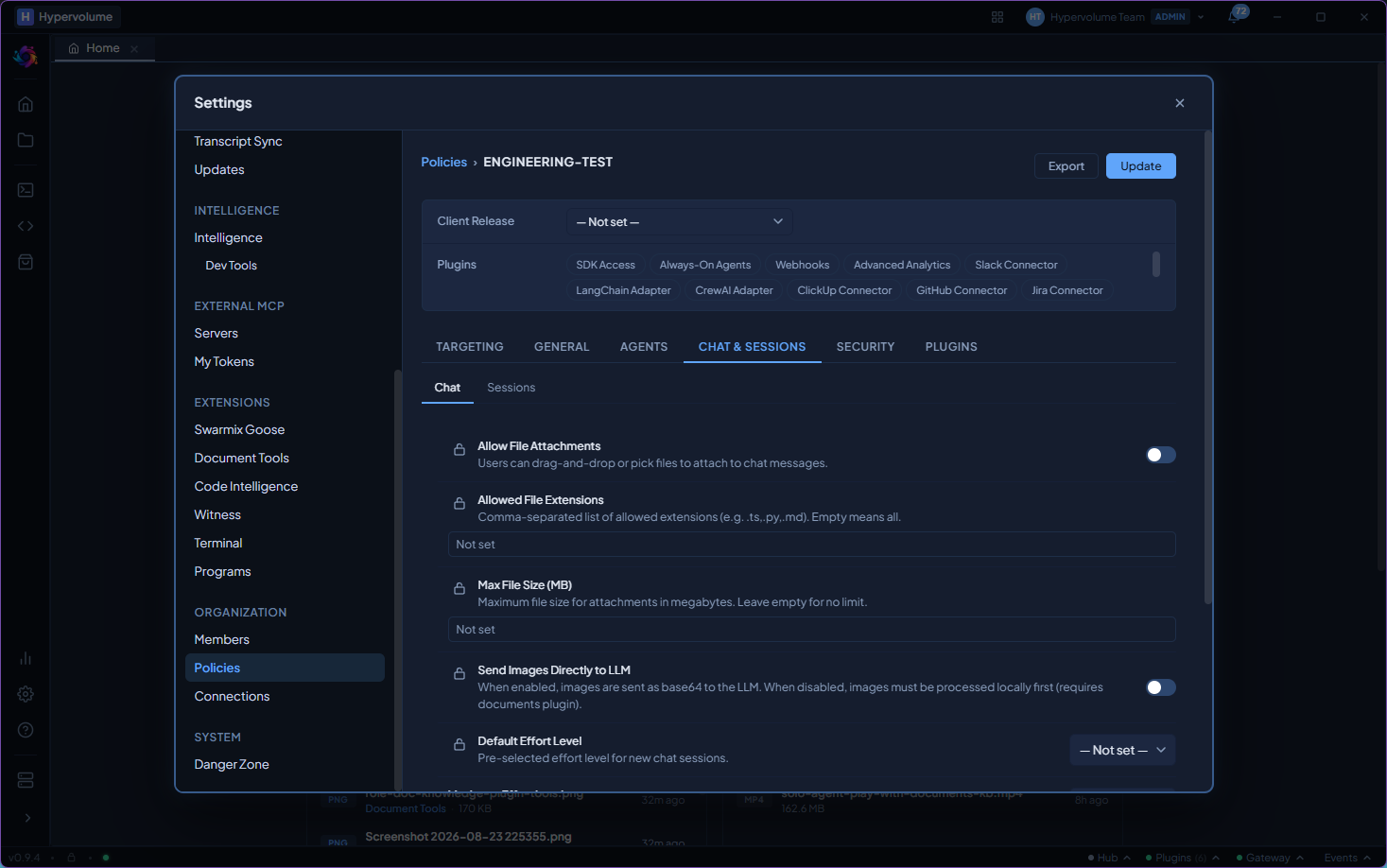
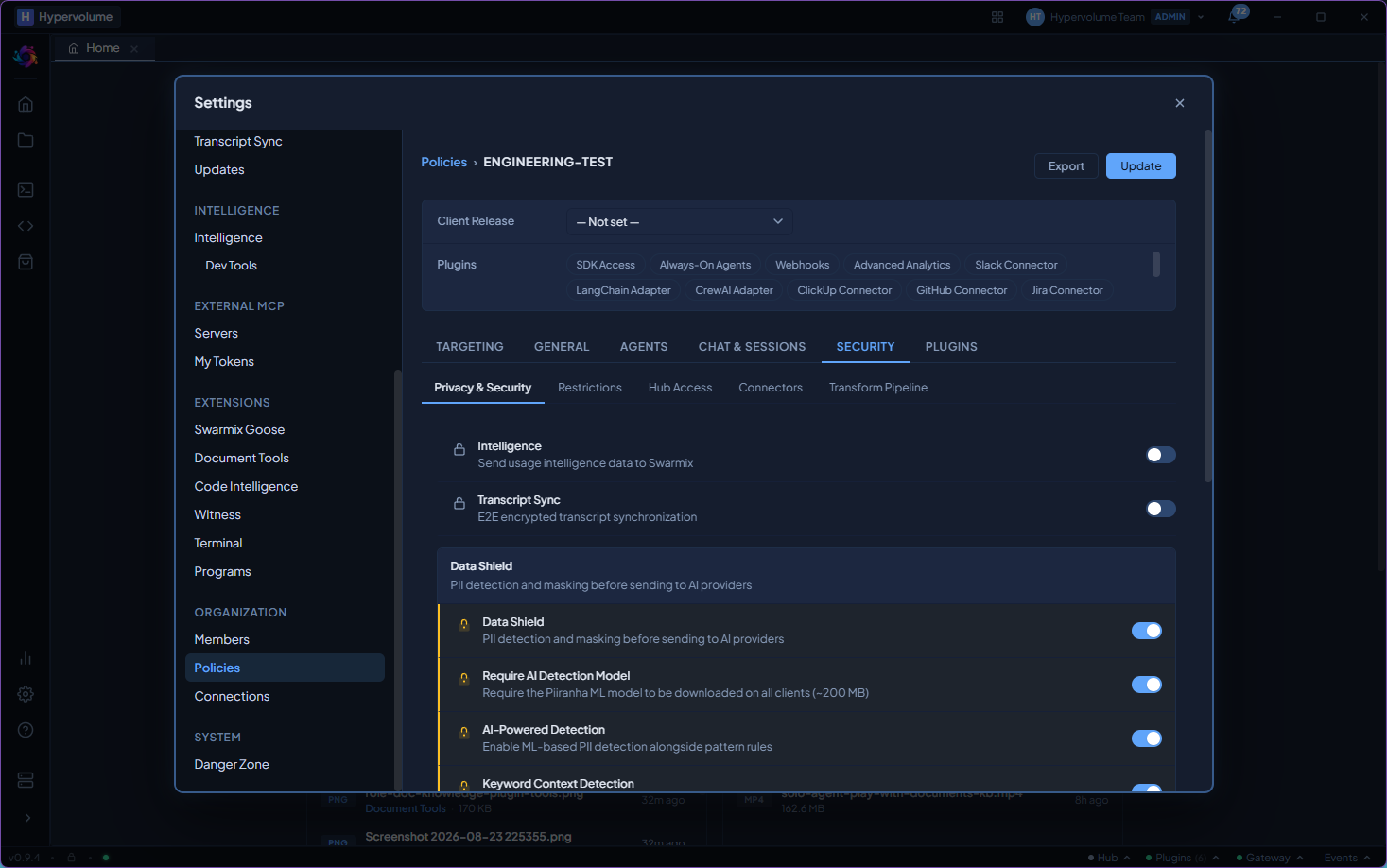
Admins set policies that flow from the central server to every connected desktop. Restrict permission levels, limit which AI models are available, enforce data protection, and control access across the organisation.